Best Smart Pet Feeder with Camera
News Details
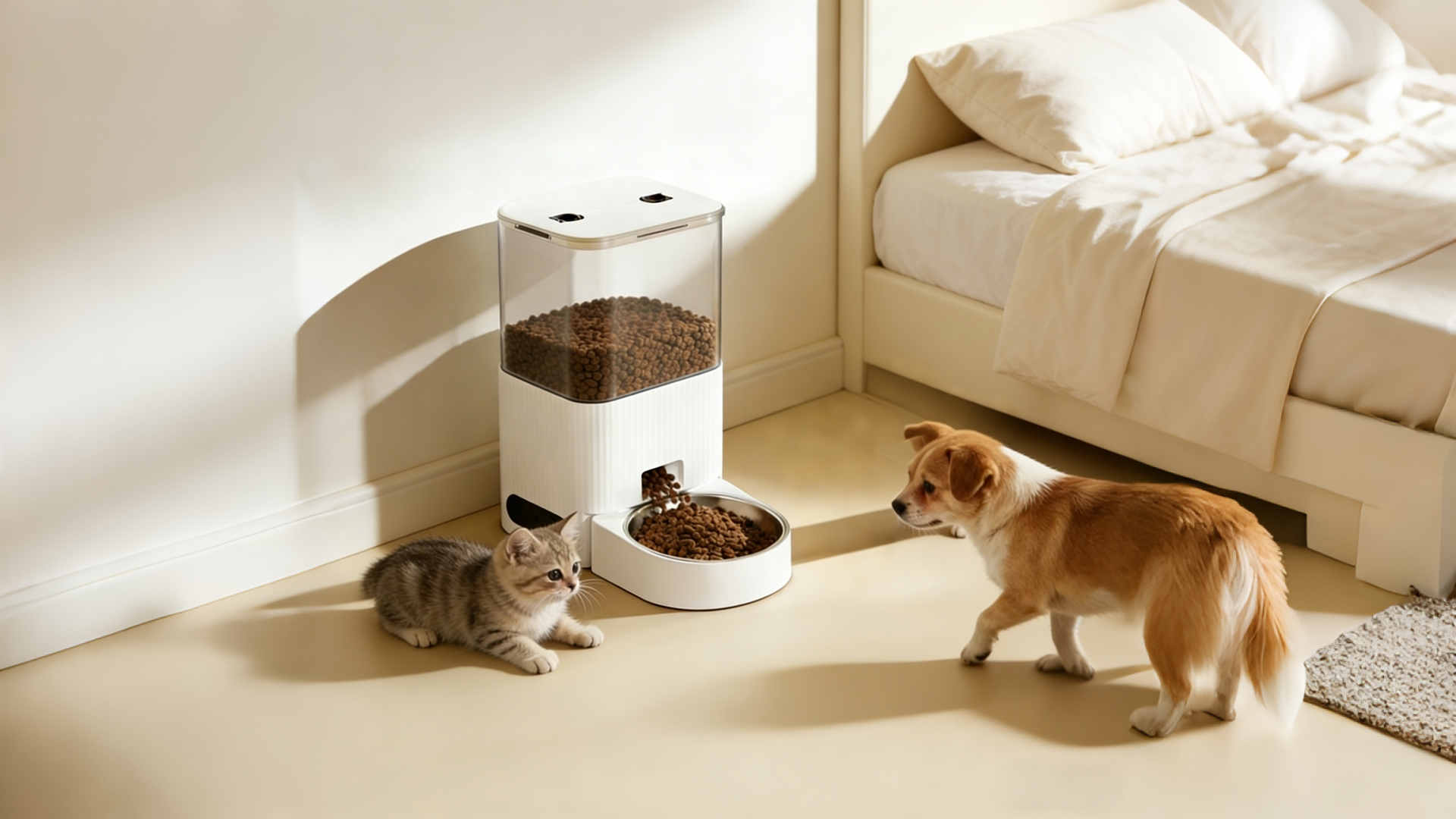
Smart pet feeders with cameras are changing how pet owners feed and watch their pets. With these devices, you can see your dog or cat, talk to them, and schedule meals — all from your phone. In this article, we’ll explain what makes a smart pet feeder great, what features to look for, and how brands like Winpoint Pet help you find reliable options that pet owners love.
Why Choose a Smart Pet Feeder with Camera
Today’s pet owners want more than just a bowl. They want peace of mind. A smart pet feeder with camera lets you:
- Watch your pet eat in real time
- Record or save video clips
- Talk to your pet with built-in speakers
- Schedule meals automatically
- Get alerts when food runs low
Because of all these benefits, smart feeders are no longer luxury toys. They are tools that help busy owners take better care of their pets.
What Makes a Smart Pet Feeder Great
When you compare models, a few features really matter.
Clear and Stable Camera
A good camera shows pets clearly, even in low light. Often these cameras support:
- HD or 1080p video
- Night vision
- Wide viewing angles
One Winpoint Pet client needed a feeder where owners could see small cats clearly. Winpoint helped them choose a model with wide-angle night vision so customers could watch their pets at any time of day.
Easy App Control
Your feeder should connect easily to your phone via Wi-Fi or Bluetooth. With a strong app you can:
- Set feeding schedules
- View live camera feed
- Speak to your pet
- Adjust portion sizes
Many owners love the convenience of app control because they can check in from work, errands, or travel.
Reliable Food Delivery
Look for systems that dispense food smoothly without jamming. This keeps pets happy and owners stress-free. Simple mechanics and smart sensors help prevent clogs.
Winpoint Pet’s team tested several feeders and found that models with wide food chutes and anti-jam tech had the fewest feeding errors.
Voice & Two-Way Talk
Being able to talk to your pet helps reduce anxiety when you’re away. Many high-end feeders include two-way audio so pets hear your voice and you hear them back.
One client selling premium cat gear chose a smart feeder with built-in speaker and mic. Customers reported that their shy cats were more calm because they could hear their owner’s voice before meal time.
Key Features to Compare
Here are the main features you should check before choosing a smart feeder with camera:
1. Video Quality
The camera should offer clear, smooth video. HD quality makes it easier to see tail wags, purrs, and curious looks.
2. Feeding Capacity
Make sure the feeder holds enough food for your pet’s routine. Some units are best for daily use, while others can store several days’ worth of food.
3. Connectivity
Good Wi-Fi support keeps your camera and app in sync. A strong connection means fewer dropped feeds and better control.
4. Power Options
Smart feeders may run on:
- AC power (plug-in)
- Rechargeable battery
- Replaceable batteries
Backup power options help keep your feeder running if electricity goes out.
5. Alerts and Reporting
The best models send alerts for:
- Food running low
- Feeding missed
- Camera disconnections
These alerts help you stay on top of your pet’s routine.
Real Client Solutions from Winpoint Pet
Winpoint Pet works with brands and stores looking for smart pet feeder solutions. Here are real examples of how Winpoint helps clients succeed.
Case Study: Dog Gear Brand Launch
A small dog accessory brand wanted a smart feeder with camera to pair with its dog food line. They needed:
- HD video
- Reliable app control
- Easy cleaning bowls
- Strong build quality
Winpoint Pet reviewed options and recommended a Wi-Fi feeder that balanced quality and cost. After launch, customers shared positive photos and videos of their dogs eating on schedule. This raised the brand’s reputation and repeat orders.
Case Study: Cat Specialty Shop Upsell
A boutique cat shop needed a premium feeder to upsell with its luxury cat food. The shop wanted:
- Night vision camera
- Two-way talk
- Large food capacity
Winpoint Pet helped them choose a model with all these features. The shop saw higher average order values because customers valued the extra tech and peace of mind.
How to Set Up and Use Your Smart Feeder
Most smart feeders are simple to set up. Here’s a quick guide:
- Place the Feeder: Choose a stable spot with good Wi-Fi signal.
- Load Food: Fill the hopper with dry pet food.
- Plug In or Insert Batteries: Follow the power instructions.
- Connect to App: Scan QR code, connect your Wi-Fi, and link the camera.
- Schedule Meals: Set feeding times, portions, and alerts.
- Check the Camera: Test live video and audio.
Once setup is done, you can check the live feed or recorded clips anytime.
Tips for Using a Smart Feeder with Camera
Here are a few tips from pet owners and Winpoint Pet clients that can help you get the most out of your smart feeder:
Keep the Lens Clean
A quick wipe every few days keeps your video clear. Dust or food smudges can blur images.
Check Wi-Fi Strength
If your camera feed is laggy, try moving your router closer or using a Wi-Fi extender.
Update the App
Software updates often add features or fix bugs. Keeping the app current helps performance.
Use Fresh Dry Food
Most smart feeders work best with dry kibble. Moist foods can clog chutes unless the feeder is designed for them.
Benefits of a Camera in Your Feeder
A camera adds value beyond feeding. It helps you:
- Watch for health issues (eating less or more)
- Spot behavior changes
- Capture cute moments
- Stay connected when away
Many owners say the first time they saw their pet at meal time made them feel more relaxed and happy knowing they can check in at any moment.
Share to:


